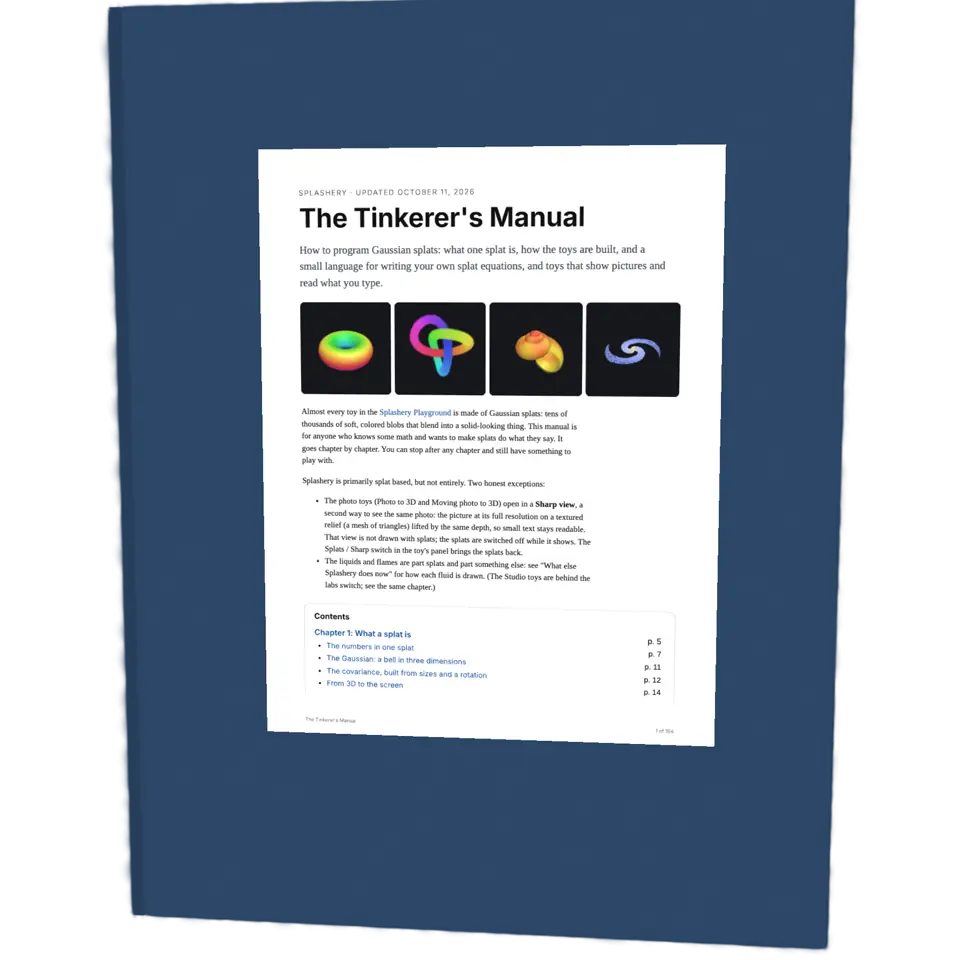
Fig. 26. §2 Pictures and Pages
Splash Book
A book is a stack of pages bound along one edge, so you can turn them one at a time.
1Facts
- Shelf
- Pictures and Pages
- Kind
- Built from a recipe
- Your own
- Your own book
- Sound
- Yes
- Licenses
- MIT, CC0, Apache-2.0
2How to play
Tap the right page to turn on, the left to go back. With Pop out on (its button at the right), tap a picture to raise it.
3Its controls
Table I. Every control on this Splash.
| Control | Kind | Range | Start |
|---|---|---|---|
| Turn the page | Tap | ||
| Turn the page | Button | ||
| Pop out | Switch | Off | |
| Draw a box | Switch | Off | |
| Pop-up layers | Switch | Off | |
| Style | List | 5 choices | Hardcover |
| Cover color | Color | #2f4b6e | |
| Reading | List | 2 choices | Both pages |
4About it
A book is a stack of pages bound along one edge, so you can turn them one at a time. Before books, long texts were rolled up as scrolls.
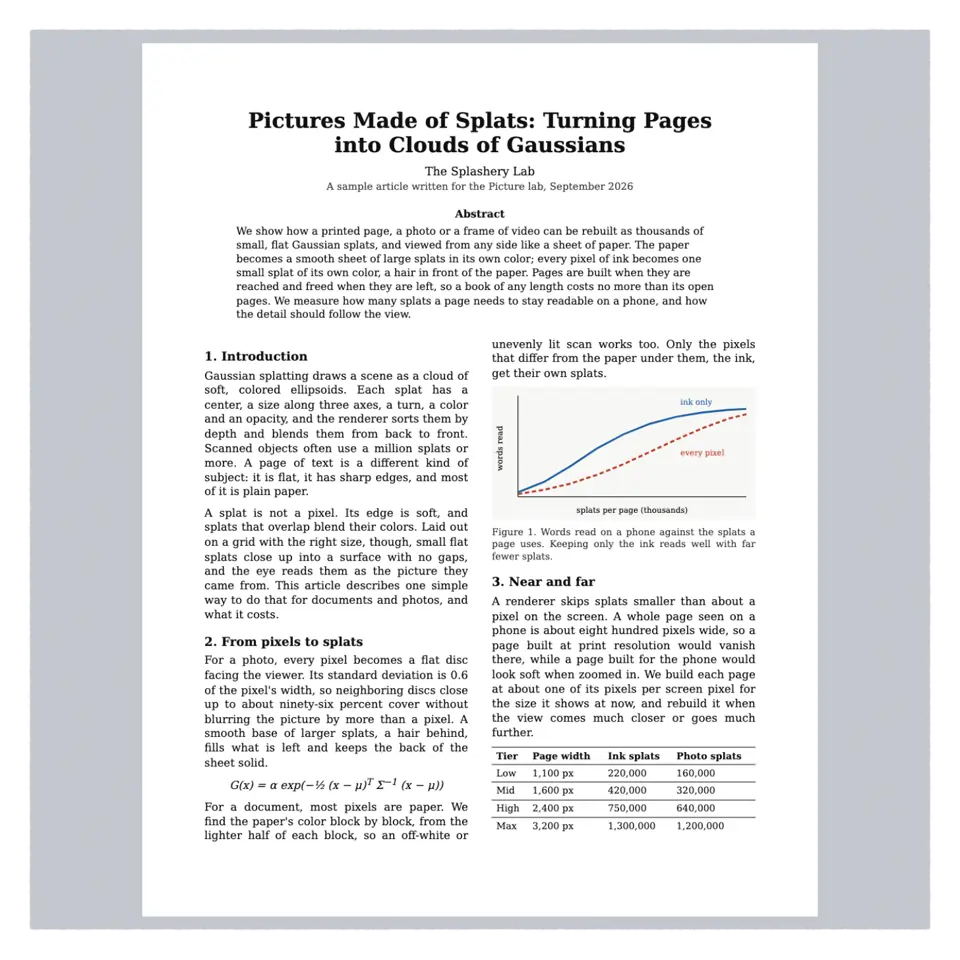
Open any PDF of your own in the Splash tab and tap to turn its pages (the right page goes forward, the left back), or pull a page over by its edge. Taps turn pages as fast as you tap them. To fill the screen with a page, use the Page view button or pinch; Reading: One page goes a page at a time. Pick one of five styles.
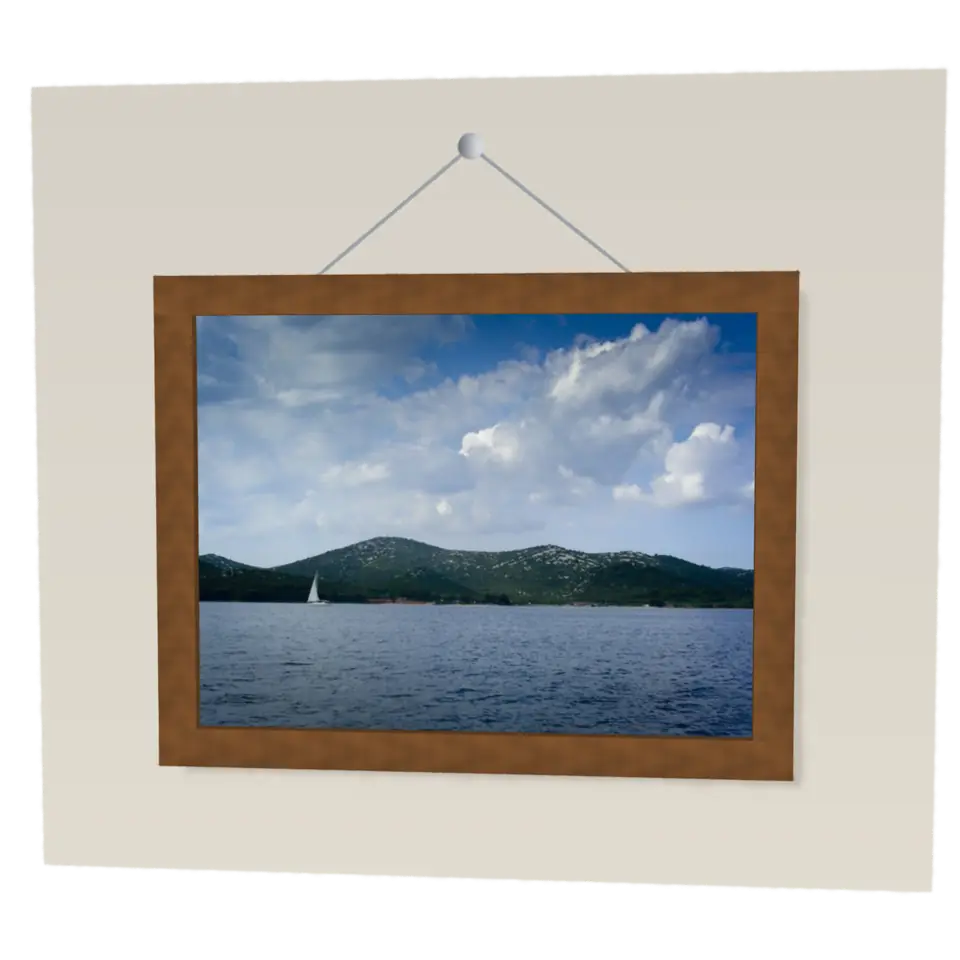
Links work: a web link shows its address and opens only if you say so; a page link turns there. Turn on Pop out with its button at the right of the stage, then tap a picture to raise it: a photo with its depth, worked out on this device; a chart as a card. Raise up to three; tap one to lay it back. Draw a box raises anything else; Pop-up layers cuts one into cards. Drag a risen figure to tilt the book; the Depth slider sets its depth. Your file stays on your device.
5Details
- Splats
- Opens at 130,000 at Mid Detail, 55,772 at Low, and up to 130,000 at Max
- Turning
- Drag turns it left and right only, until Tilt lock is off
6Sources and credits
| Work | By | License |
|---|---|---|
| Sharp hybrid picture faces | Ryan Kamp | MIT |
| Hardback 1 (your-book-hardcover.mp3) | magnuswaker | CC0 1.0 |
7Libraries
- Apache-2.0
- Depth Anything V2 Small, quantized ONNX (lane LSTUDIO, copied from Splashery)
- MIT
- ONNX Runtime Web 1.30.0 (its modules)