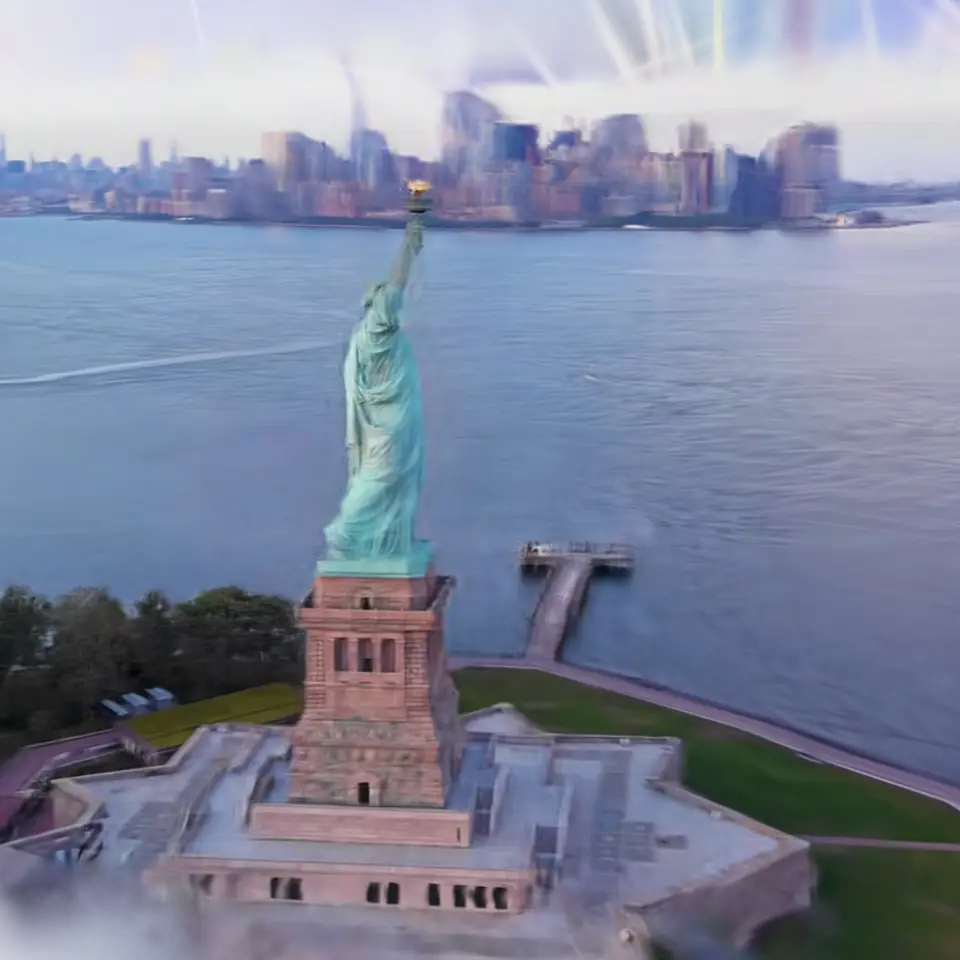
Fig. 20. §1 Studio
Splat Toolkit
A 3D Gaussian splat file is a long list of soft colored blobs, each with a place, a size in three directions, a turn, an opacity and a color (sometimes a color that changes with the viewing angle, called spherical harmonics).
1Facts
- Shelf
- Studio
- Kind
- Built from a recipe
- Your own
- Your own splat
- Sound
- Yes
- Licenses
- CC0, CC BY 4.0, MIT, Apache-2.0, BSD
2How to play
Tap to spin it round. Open your own splat file in the Splash tab to crop, clean, shrink or convert it.
3Its controls
Table I. Every control on this Splash.
| Control | Kind | Range | Start |
|---|---|---|---|
| Spin it round (both, in step) | Tap | ||
| Spin | Button | ||
| Splat | List | 6 choices | Cactus with stray splats added (try Remove floaters) |
| Show | List | 3 choices | Before and after, side by side |
| Compare with | List | 7 choices | Nothing (one splat) |
| Turn it upright | List | 3 choices | Automatic (most splat files are stored upside down) |
| Remove floaters | Setting | ||
| Floaters: how far out (lower removes more) | Setting | ||
| Floaters: neighbors to compare with | List | 3 choices | 8 |
| Also remove nearly invisible splats | Setting | ||
| Crop with a box | Setting | ||
| Box: left side | Setting | ||
| Box: right side | Setting | ||
| Box: bottom | Setting | ||
| Box: top | Setting | ||
| Box: back | Setting | ||
| Box: front | Setting | ||
| Box: keep what is outside it | Setting | ||
| Shrink: keep this share of the splats (%) | Setting |
4About it
A 3D Gaussian splat file is a long list of soft colored blobs, each with a place, a size in three directions, a turn, an opacity and a color (sometimes a color that changes with the viewing angle, called spherical harmonics). This toolkit opens the common formats (PLY, compressed PLY, .splat, SPZ and SOG) and shows what is inside: how many splats, how big the scene is, the harmonics' degree, and the memory it takes.
Crop keeps what is inside a box. Remove floaters finds the stray blobs a capture leaves in the air: for each splat it measures the average distance to its nearest neighbors, and those much farther out than the rest (a statistical outlier filter) are removed; show them in red, or before and after side by side. Shrink keeps the splats that show most. Save writes the result in the format you choose, and Compare puts a second splat beside the first, turning in step. Everything runs on your device in the background; nothing is uploaded.
5Details
- Your own files
- .ply, .splat, .spz, .sog, .json, .webp
6Sources and credits
| Work | By | License |
|---|---|---|
| Cactus (3DGS sample data) | steam studio / 3D SCAN STUDIO iris | CC0 1.0 |
| Strawberry | Dany Bittel | CC BY 4.0 |
| Japanese Bee | YUMA Co., Ltd. | CC BY 4.0 |
7Libraries
- MIT
- gifenc 1.0.3
- Apache-2.0
- laz-perf 0.0.7 (lane LSTUDIO, copied from Splashery)
- MIT, BSD
- WebP codec (splat-transform, with libwebp)