Fig. 12. §1 Studio
QR Mosaic
A QR code is only dark and light squares, so it can be built from real things.
1Facts
- Shelf
- Studio
- Kind
- Built from a recipe
- Your own
- QR Mosaic
- Sound
- Yes
- Licenses
- Apache-2.0, MIT
2How to play
Pick dominoes, marbles or tiles in the Splash tab, then tap to build the code.
3Its controls
Table I. Every control on this Splash.
| Control | Kind | Range | Start |
|---|---|---|---|
| Build it | Tap | ||
| Build it | Button | ||
| Shape | List | 2 choices | Square |
| Made of | List | 3 choices | Dominoes |
| Error correction | List | 4 choices | M: 15% |
4About it
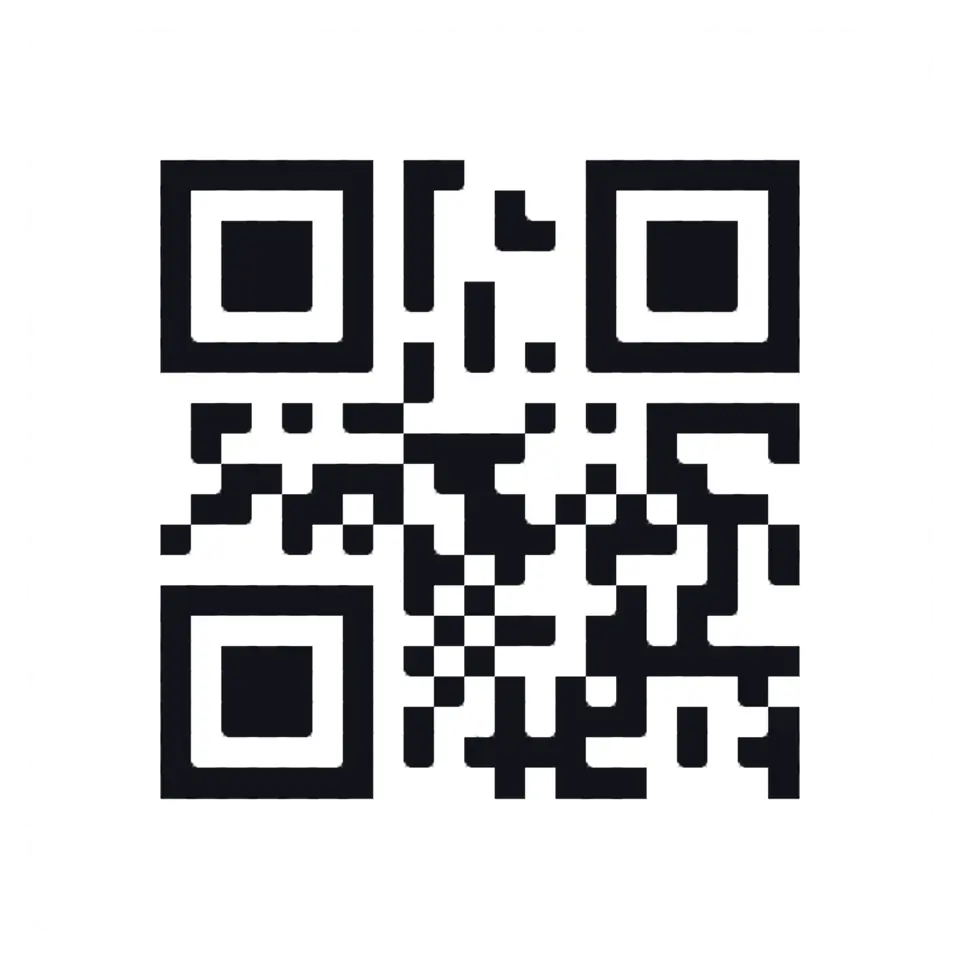
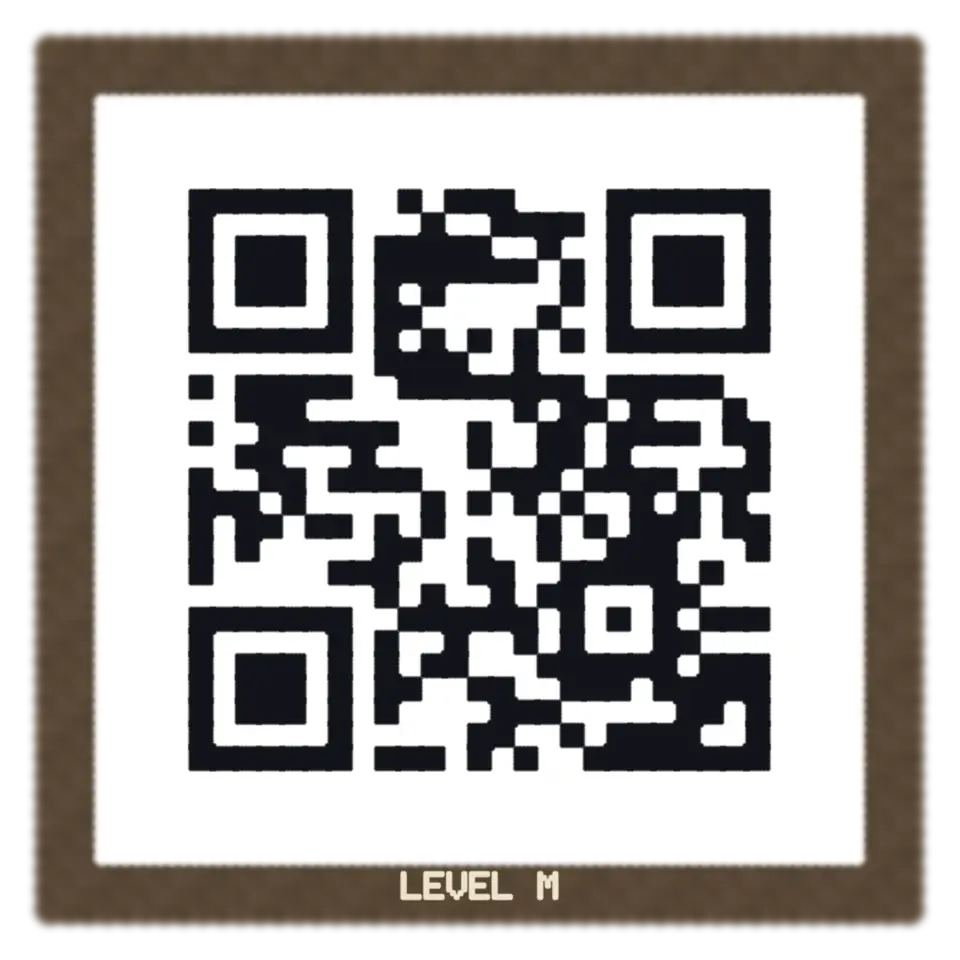
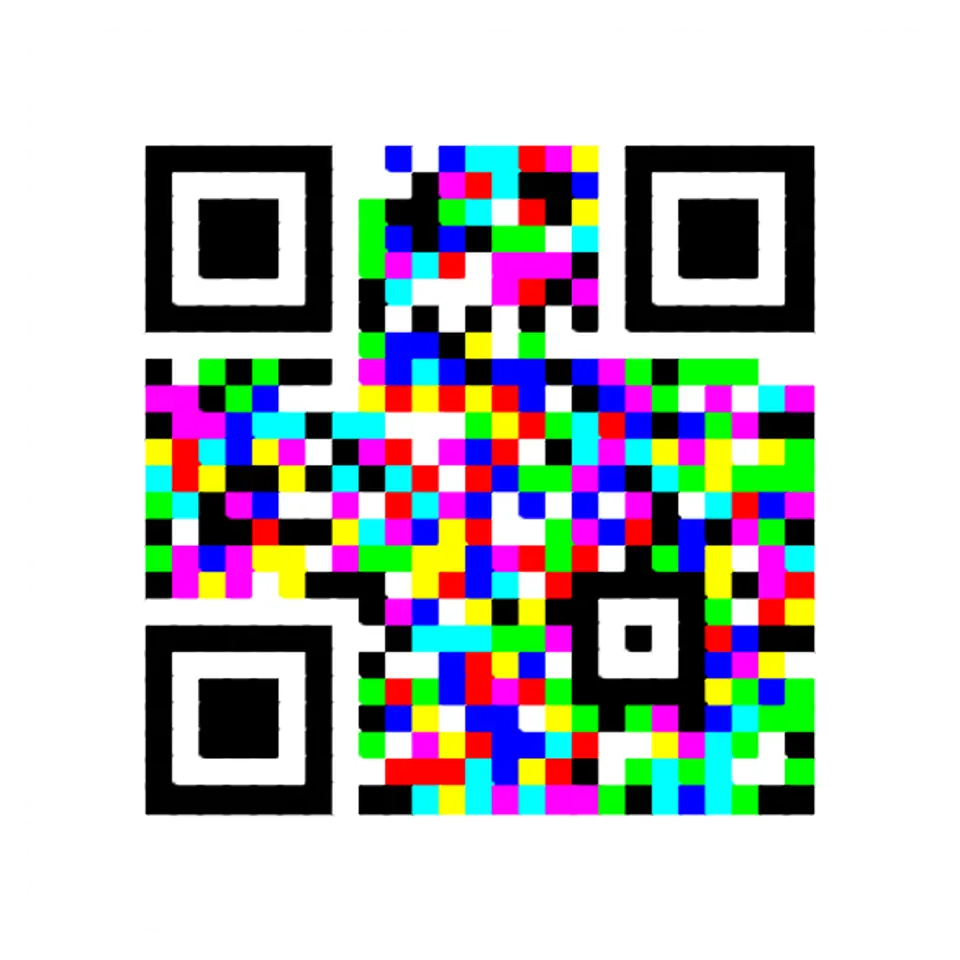
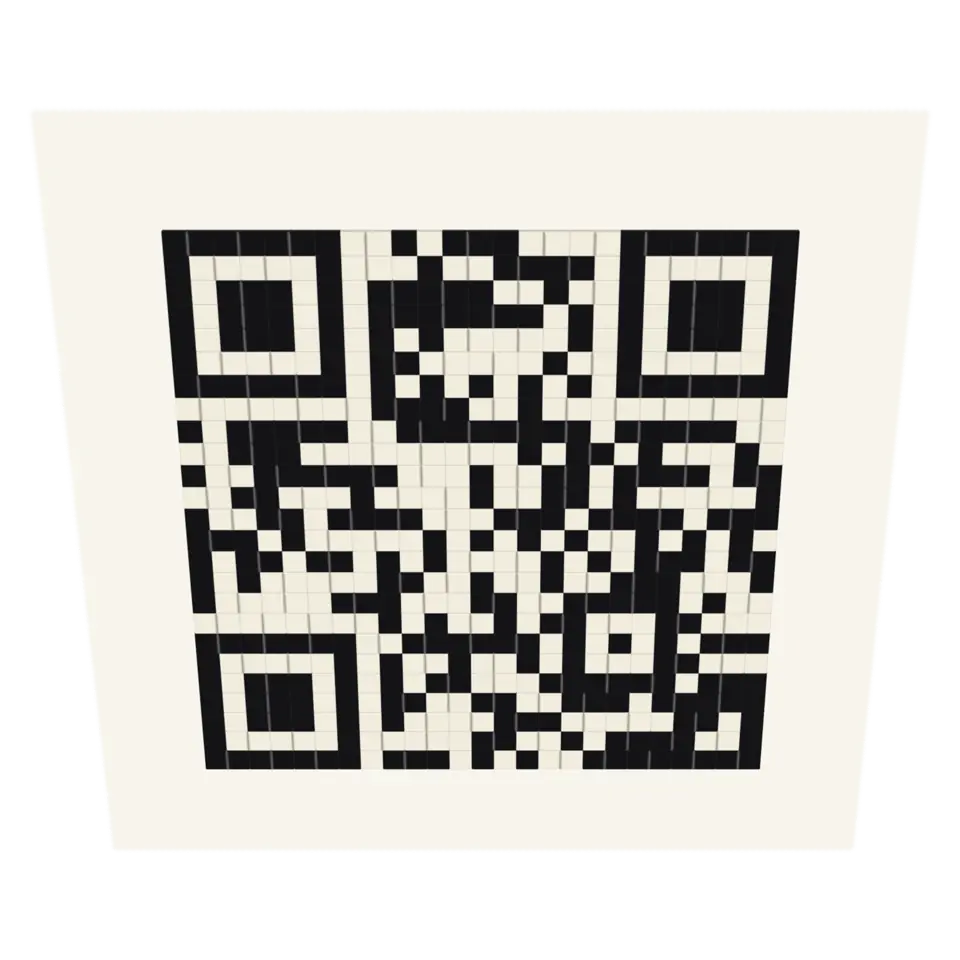
A QR code is only dark and light squares, so it can be built from real things. Here dominoes stand on end, and a push sends every row toppling, each domino knocking the next, until they lie flat as the code: ebony over dark modules, ivory over light ones. Or marbles roll in along their rows and settle into the dark modules, or two-sided tiles flip over in a wave.
Every piece is solid and moves as the real thing would. Each build ends on a code that scans, and the splash reads its own last frame to check. Type your own text in the Splash tab.
5Details
- Splats
- Opens at 200,000 at Mid Detail, 108,506 at Low, and up to 894,559 at Max
6Sources and credits
Made in Splashery. Its code is MIT.
7Libraries
- MIT
- gifenc 1.0.3
- Apache-2.0
- jsQR 1.4.0 (lane LSTUDIO)
- MIT
- QR Code generator library (Project Nayuki)
- MIT, Apache-2.0
- zxing-wasm 3.1.4, with zxing-cpp (copied from Splashery)
- MIT, Apache-2.0
- ZXing for JavaScript 0.21.3 (lane LSTUDIO)