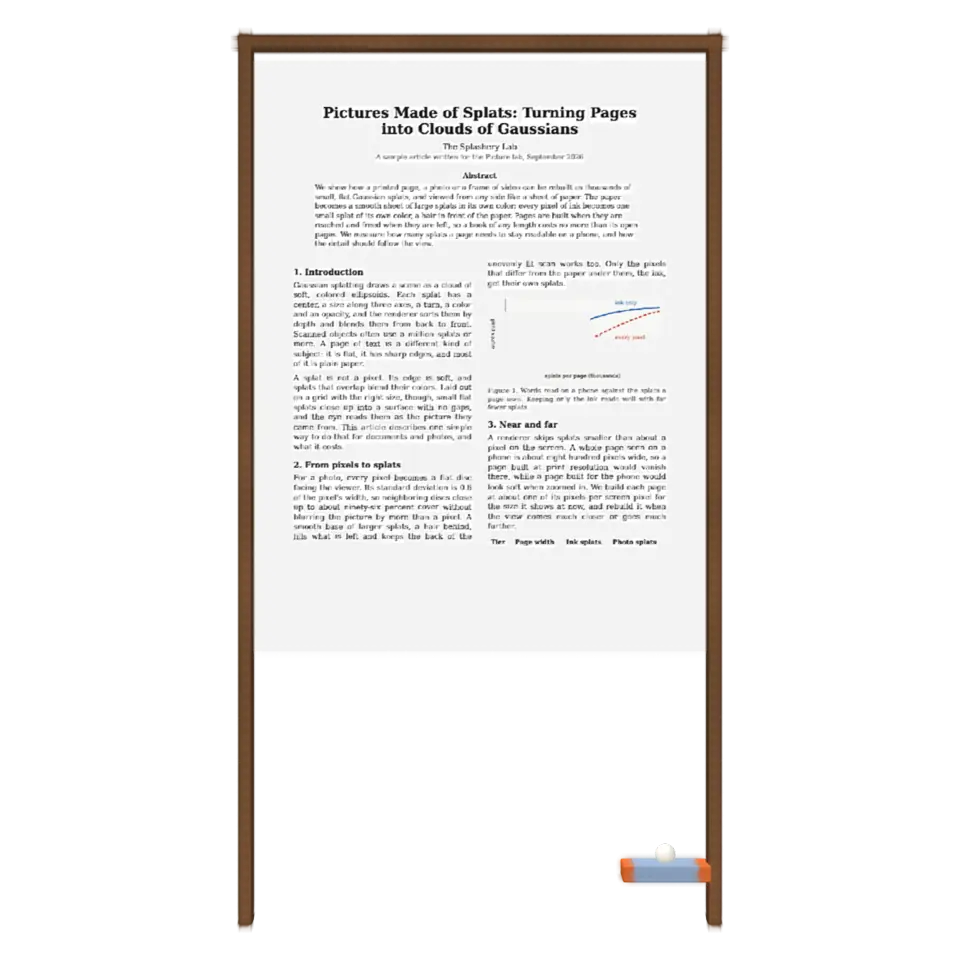
Fig. 208. §11 Arcade
Page Breaker
Shardball with your own page.
1Facts
- Shelf
- Arcade
- Kind
- Built from a recipe
- Your own
- Your own page
- Sound
- Yes
- Licenses
- CC0, Apache-2.0, MIT, BSD
2How to play
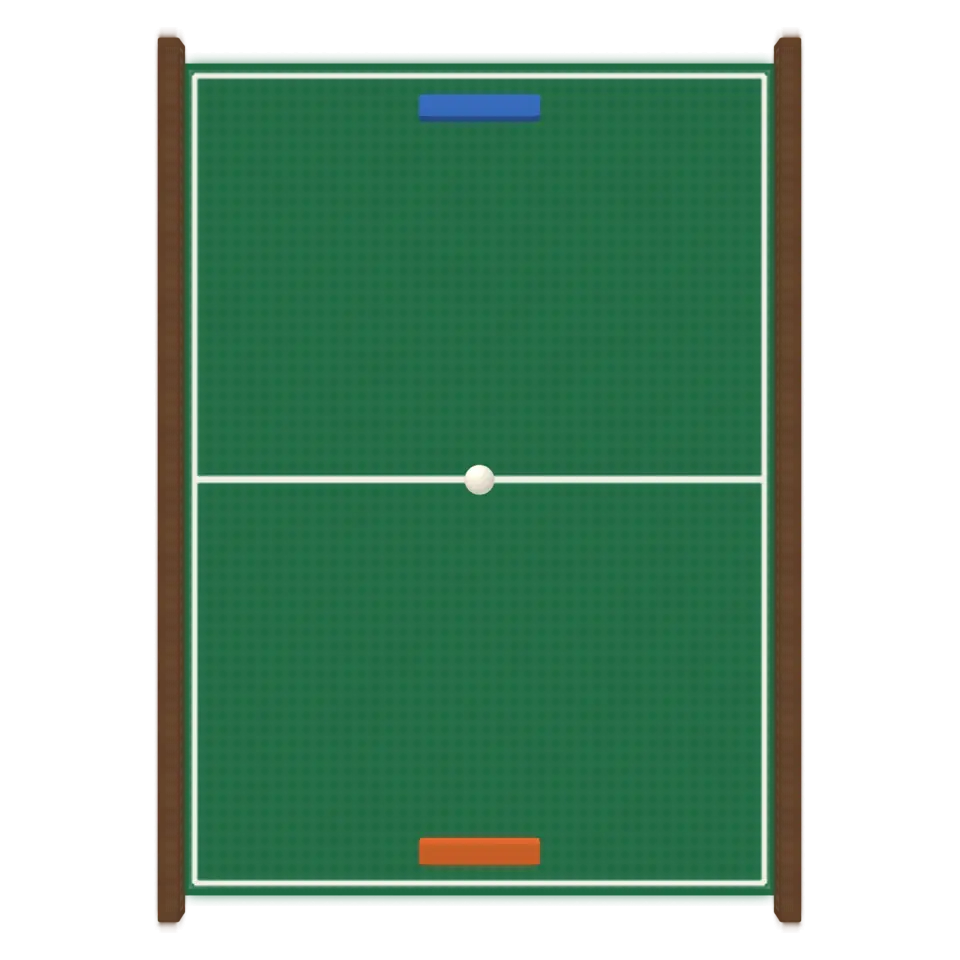
Open a PDF or a photo in the Splash tab, then tap to play. Steer the paddle; break every word.
3Its controls
Table I. Every control on this Splash.
| Control | Kind | Range | Start |
|---|---|---|---|
| Play or pause | Tap | ||
| Play | Button | ||
| Page | List | 2 choices | An article (PDF) |
| Style | List | 2 choices | Flat board |
| View | List | 2 choices | 2D |
4About it
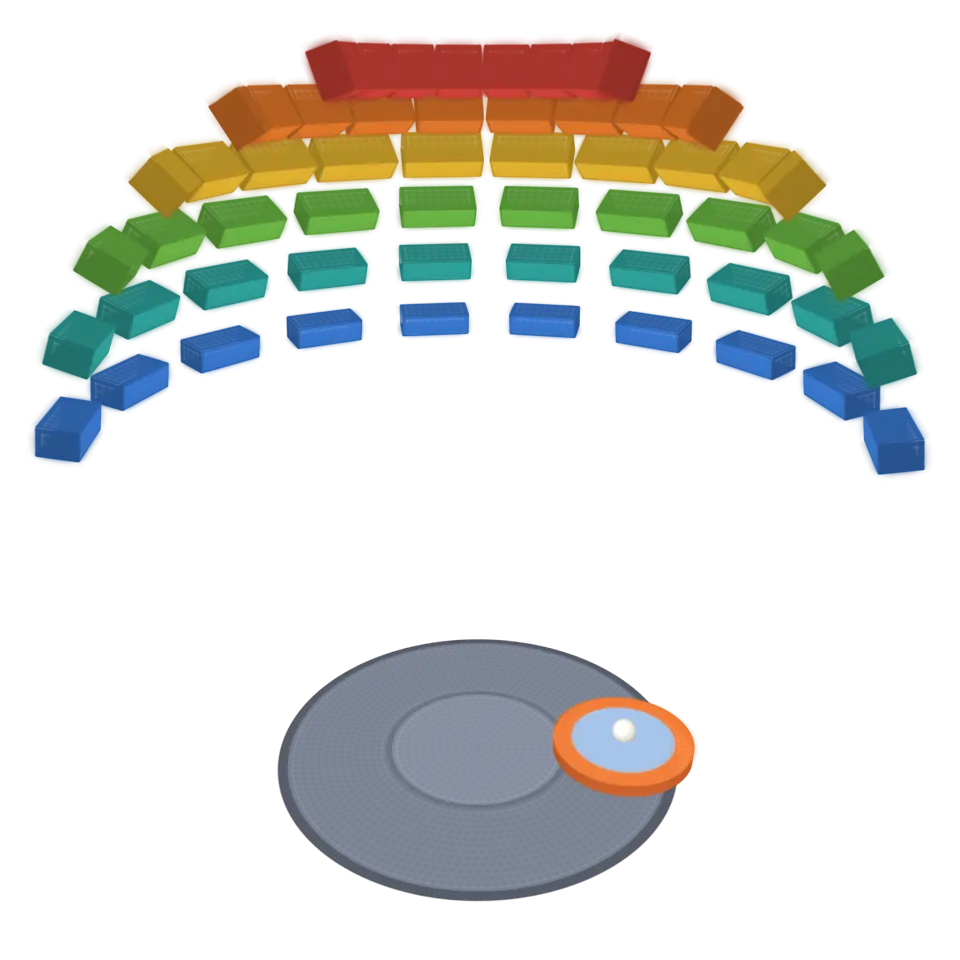
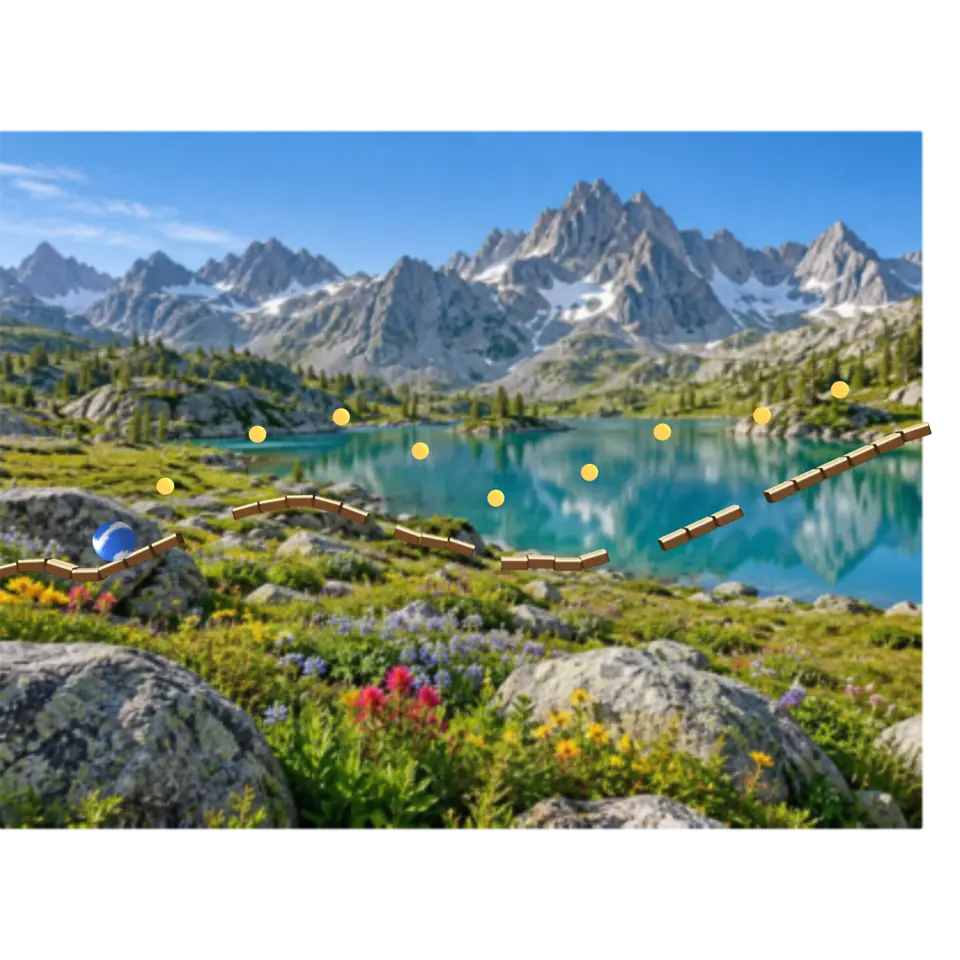
Shardball with your own page. Every word on the page (found from its ink) becomes a brick, and so does each piece of its pictures; a photo is cut into tiles. Each brick is made of that piece of the page, splat by splat, so a word that breaks falls apart into pieces of its letters. Each page of a PDF is the next level.
Open a file in the Splash tab, or play the sample article or photo. The file is read on this device and never leaves it. Flat board and Dome work as in Shardball: the 3D button tips the page back, or spreads its words over a dome.
5Details
- Your own files
- .pdf, application/pdf, image/png, image/jpeg, image/webp, image/avif
6Sources and credits
| Work | By | License |
|---|---|---|
| Tulip field (the photo sample) | DennisM2 | CC0 1.0 |
| Turn Page (your-book-magazine.mp3) | KikeVilaplana | CC0 1.0 |
7Libraries
- Apache-2.0
- Basic Pitch, ONNX (lane Audio piano, October 21, 2026)
- MIT
- omggif 1.0.10
- MIT
- ONNX Runtime Web 1.30.0 (its modules)
- MIT, Apache-2.0, BSD
- PDF.js 6.3.289