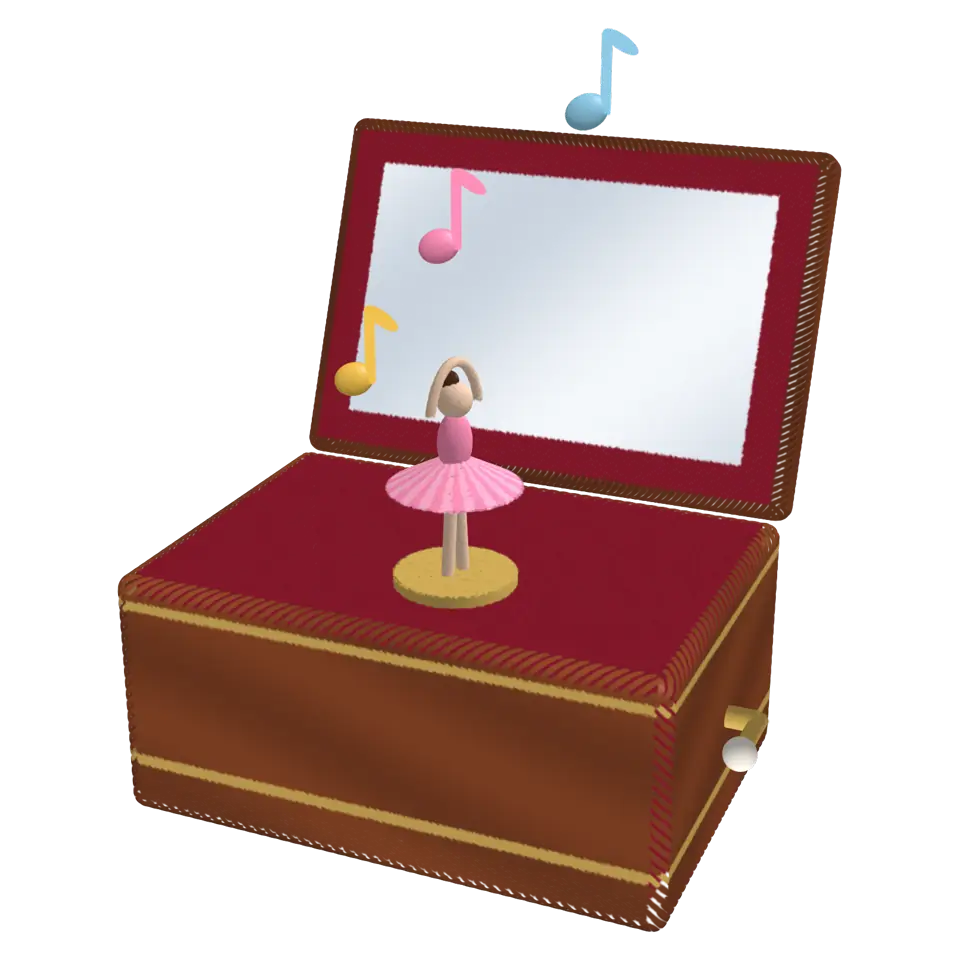
Fig. 272. §16 Music
Music Box
A music box plays a tune all by itself.
1Facts
- Shelf
- Music
- Kind
- Built from a recipe
- Sound
- Yes
- Hands-on
- Yes
- Licenses
- CC0
2How to play
Tap to close or open the lid. With ✋ on, turn the crank round to play the tune note by note.
3Its controls
Table I. Every control on this Splash.
| Control | Kind | Range | Start |
|---|---|---|---|
| Open or close | Tap | ||
| Open | Switch | On | |
| Wood | Color | #8a4526 |
4About it
A music box plays a tune all by itself. Inside, a spring turns a metal cylinder covered in tiny pins. As it turns, the pins pluck the teeth of a steel comb, and each tooth rings with its own note: the longer the tooth, the lower the note.
This music box starts open, with a little dancer twirling on its stand while the tune plays and music notes float up. Tap to close the lid and stop the music, and tap again to open it. Pick the color of the wood in the Splash tab. With ✋ Hands-on on, lift or close the lid on its hinge yourself, and turn the crank by drawing circles round it: each click plays the tune's next note and the dancer turns.
5Details
- Splats
- Opens at 200,000 at Mid Detail, 56,079 at Low, and up to 770,000 at Max
6Sources and credits
| Work | By | License |
|---|---|---|
| Impact Sounds (kenney-wood-medium.mp3) | Kenney | CC0 1.0 |