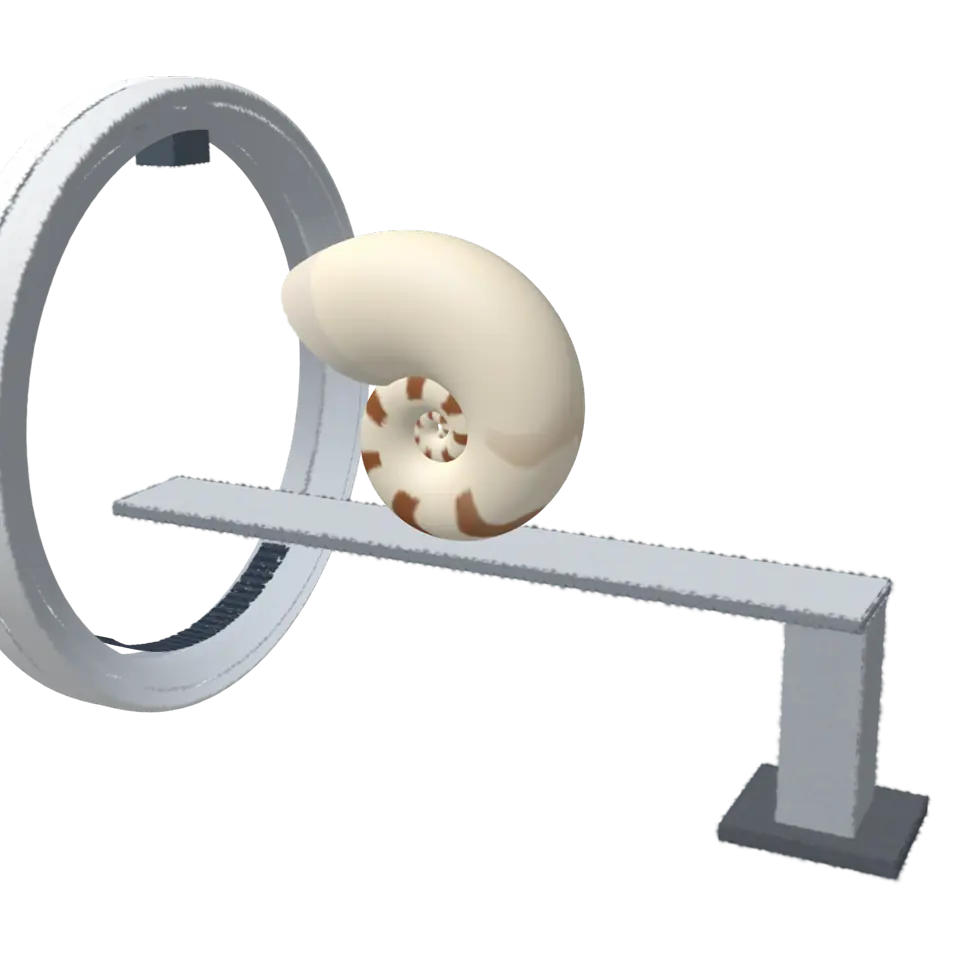
Fig. 259. §14 Imaging
CT Explained
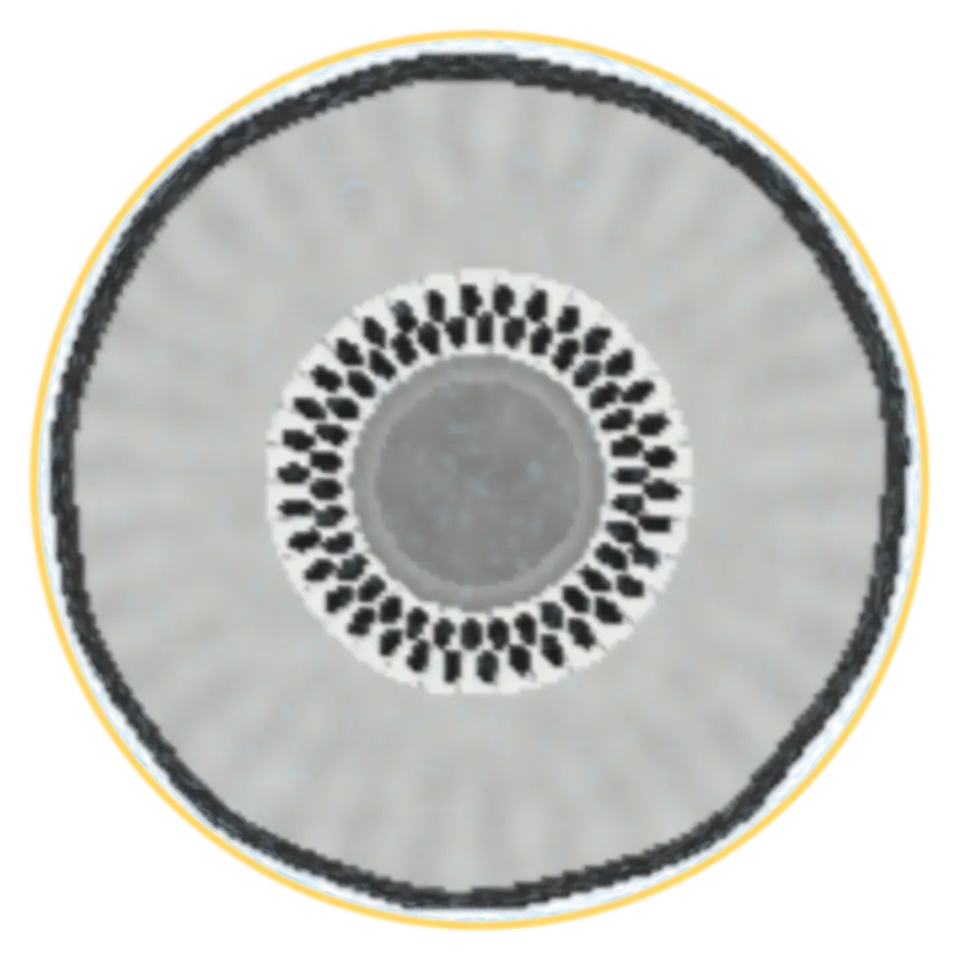
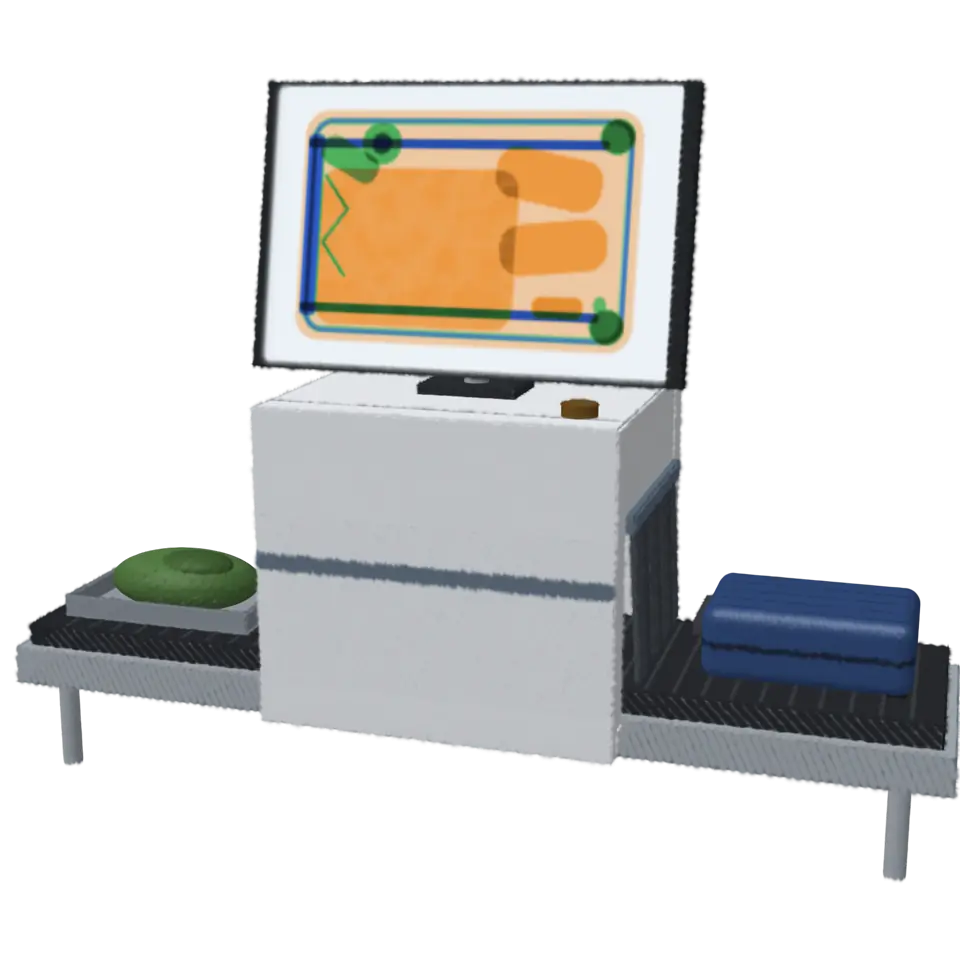
A CT scanner (computed tomography) turns an X-ray tube and a curved row of detectors around the object, taking hundreds of views from every side.
1Facts
- Shelf
- Imaging
- Kind
- Built from a recipe
- Made from
- When it is scanned, drag up or down on the shell to cut into it.
- Sound
- Yes
- Licenses
- Own work (made in the page)
2How to play
Tap to scan the shell. Once it is scanned, drag up or down on it to cut into it.
3Its controls
Table I. Every control on this Splash.
| Control | Kind | Range | Start |
|---|---|---|---|
| Scan or undo the scan | Tap | ||
| Scan | Switch | Off | |
| In the scanner | List | 20 choices | Nautilus shell |
4About it
A CT scanner (computed tomography) turns an X-ray tube and a curved row of detectors around the object, taking hundreds of views from every side. A computer works back from those views to how dense the object is at every point of a thin slice. Moving the object through the ring, slice after slice, gives a whole volume.
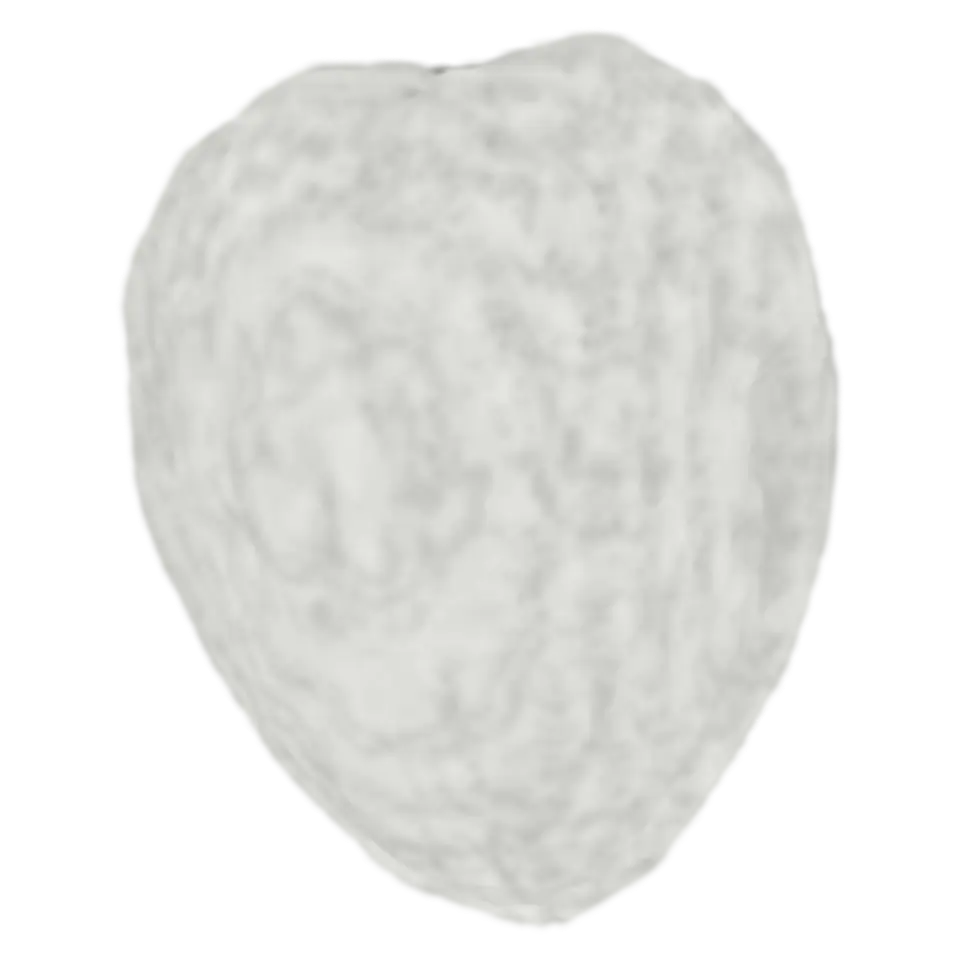
Here the shell is a chambered nautilus, built for the splash. As the ring passes, the shell turns into its CT volume: bright where the shell is dense, empty where there is air. Drag up or down to cut into the volume and see the chambers and the walls between them. Real scans of a nautilus show the same spiral.
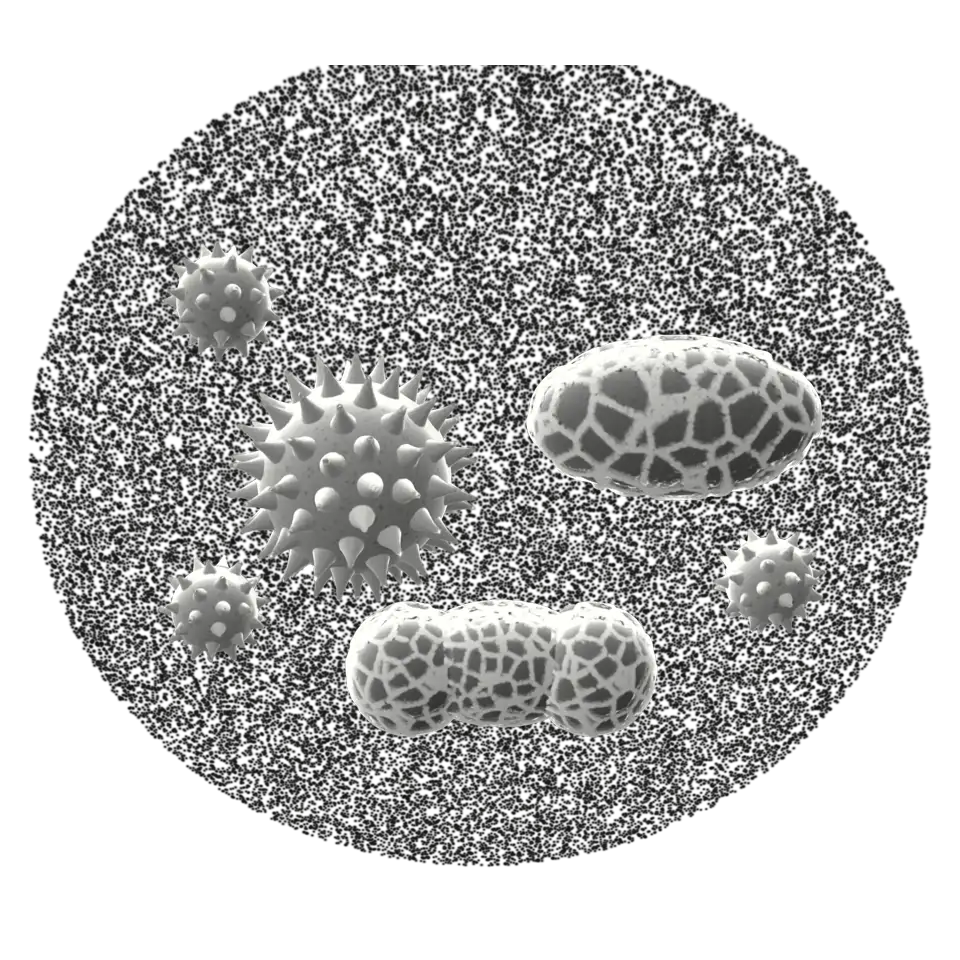
Choose another splash to put in the scanner in the Splash tab. Its CT volume is worked out from its shape: a dense skin around a softer, even inside, since the splash has no real inside to measure.
5Details
- Splats
- Opens at 200,000 at Mid Detail, 113,984 at Low, and up to 850,000 at Max
6Sources and credits
Made in Splashery. Its code is MIT.